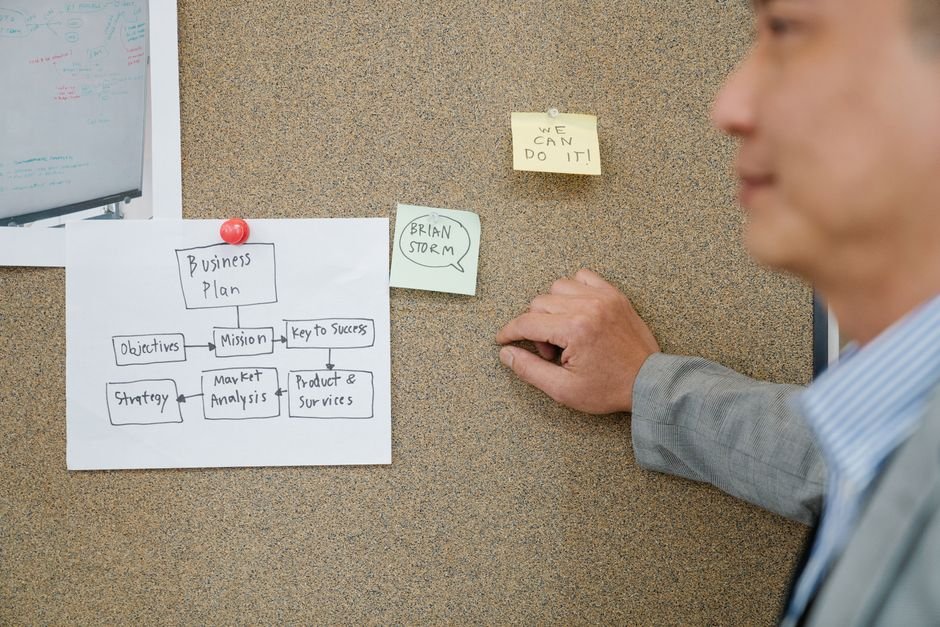
Many businesses want to automate work before they know which work is worth automating. Process automation readiness is the measure of whether a task is stable, repeatable, and clear enough to hand to software. Choosing well at this stage saves time, budget, and frustration later. This guide walks operations leaders through a practical way to evaluate workflows before any tool is selected.
Why Process Automation Readiness Matters Before You Build
Automation amplifies whatever process it touches. A clear workflow becomes faster and more consistent. A messy workflow becomes faster and more error-prone. For this reason, readiness comes before technology. Teams that skip this step often automate exceptions, workarounds, and outdated steps.
Readiness also protects your team. Staff who run a process every day know where it breaks. Their input is essential. Ask them directly where effort is wasted.
Five Criteria for Evaluating Workflows for Automation
Use these five criteria to score each candidate process. A strong candidate usually meets most of them.
- High volume: The task repeats often enough that time savings add up.
- Standardized inputs: Data arrives in predictable formats, such as forms, emails with fixed fields, or exports from a system.
- Rule-based decisions: The logic can be written as clear if-then rules without judgment calls.
- Error-prone manual steps: People copy data between systems, retype values, or miss follow-up actions.
- Disconnected systems: Work moves across tools through spreadsheets, emails, or manual handoffs.
Score each criterion on a simple scale from one to five. Processes that score high across all five deserve closer review.
Map the Manual Process Before Choosing a Tool
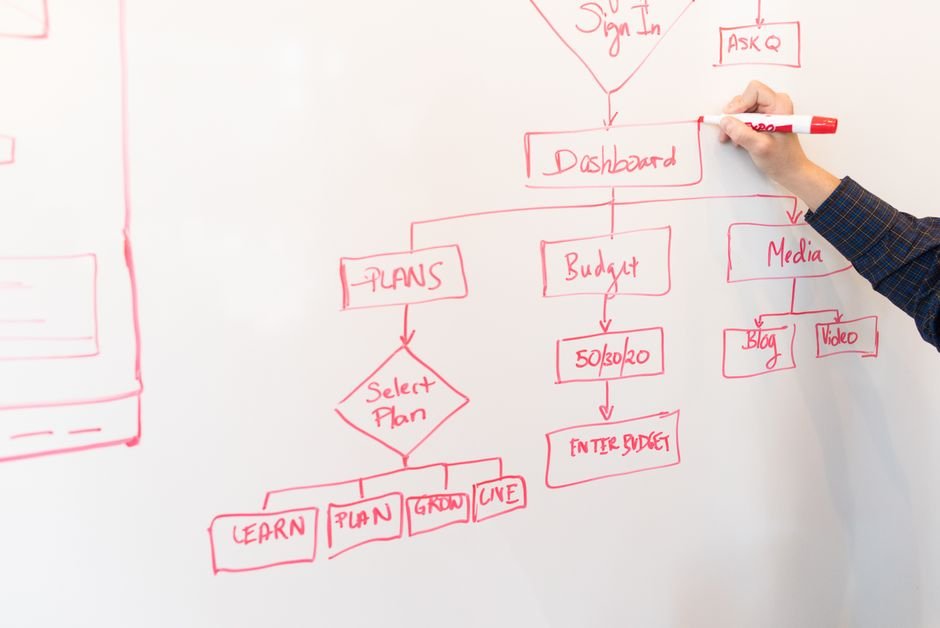
Documenting the current workflow is the most important preparation step. Write down each trigger, input, decision, handoff, and output. Include the steps people perform outside the official procedure. These hidden steps often determine whether automation succeeds. Our guide on mapping manual business workflows covers this step in detail.
Once mapped, look for steps that are unnecessary. Automating a flawed step only preserves the flaw. Simplify first, then automate.
Red Flags That a Process Is Not Ready
Some processes should wait. Watch for these warning signs:

- No one can explain the steps consistently.
- Each case is handled differently, with few clear rules.
- Source data is incomplete, duplicated, or stored in unreliable places.
- Decisions depend on judgment that has not been written down.
- The process changes every few weeks.
- No owner is accountable for outcomes or exceptions.
In these cases, the right next step is standardization, not automation. Assign an owner, define the rules, and clean the data. Then reassess.
Estimate Feasibility and Business Value
For each strong candidate, estimate the current effort in hours per week. Then estimate the cost of errors, delays, and rework. Compare that against the cost of building and maintaining the automation. This comparison is rarely precise, but it helps leaders rank priorities honestly.
Keep expectations realistic. Automation reduces manual work for well-defined tasks. It does not remove the need for human review in complex or high-risk decisions. Plan for review points, exception handling, and ongoing monitoring from the start.
Choose a Realistic Implementation Path
Start with one or two processes that score well. Build a small, measurable pilot. Track time saved, error rates, and exceptions for several weeks. Use what you learn to refine the rules before expanding. Once the pilot proves useful, consider which platform fits your environment. Our comparison of selecting workflow automation tools can help you narrow the options.
Governance matters as well. Record who owns each automated process, how changes are approved, and how failures are reported. Industry guidance on controls and audit readiness for automation, such as the RPA audit process overview from Linford & Company, reinforces that automated work should be monitored like any other business activity.
Next Steps for Your Team
Begin with a short list of candidate processes. Score each one against the five criteria, map the most promising ones, and remove unnecessary steps. Then decide which process to pilot first. If you want an outside perspective on your workflows, our team can help you evaluate readiness and plan a realistic path. You can request a consultation with our team to discuss your workflows, or explore our workflow automation and technical consulting services to see how we support businesses at each stage.